
Hammer
Pick a tile to clear its row and column.
 A sweet little
 Fruit · sweets · puzzles
A bright match-3 adventure
Swap fruits and sweet treats, chase each level’s targets, and make every move count. A little planning can turn a tricky board into a very sweet match.
Android 5.0+ · English · 35.0 MB
Inside the game
Every board asks something a little different. Keep an eye on the targets, find the useful patterns, and work with the space in front of you.
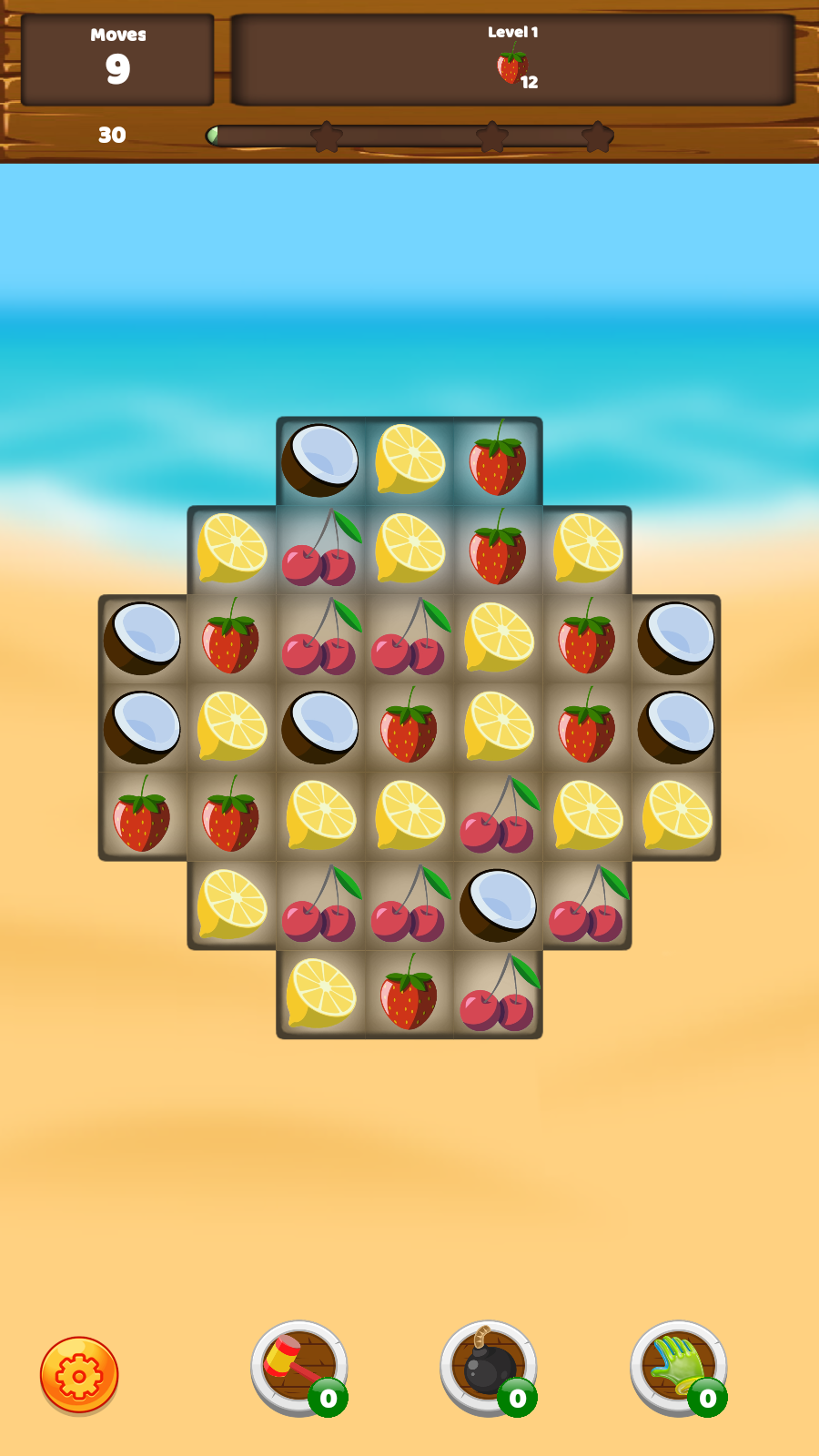
How to play
Swap neighboring tiles to line up three or more of a kind. Special shapes can create fruit with a bigger effect.
Clear the pieces shown at the top of the level before your moves run out.
Ice, cookies and other obstacles change which matches will help you most.

A T-shaped match can create explosive fruit.

Make useful matches around the obstacles.

Each layout gives you a different puzzle to read.
A little extra help
A tricky corner. A cluster of fruit. A match just out of reach. Pick the right booster from your inventory to give your next move a helping hand.
Pick a tile to clear its row and column.

Clear a group of pieces around your chosen tile.

Swap two adjacent pieces without spending a normal move.
Take a little sweetness with you
A fresh board, a handful of clever moves, and a little time for yourself. Download Juicy Match and let the matching begin.
Download for Android First time installing an APK?
Android APK · Download directly to your device
Easy from the first tap
Get started on your Android phone or tablet in three simple steps.
Tap Download for Android. When it finishes, open JuicyMatch.apk from your browser’s downloads or your device’s Downloads folder.
If Android asks, allow your browser or file manager to install the app. Follow the on-screen instructions and tap Install.
Tap Open or find the Juicy Match icon on your device. Explore the first board and follow the in-game guide.
A little help
A few quick answers, so you can get back to the sweet stuff.
Juicy Match requires Android 5.0+. The game is in English, and the download is 35.0 MB. Make sure your device has space for the download and installation.
You’re downloading the APK directly from this website. Android may ask you to allow installation from the browser or file manager you used. After allowing it, return to the APK and follow the installer.
Look for JuicyMatch.apk in your browser’s downloads list or your device’s Downloads folder. Open the file to install, then look for the Juicy Match app icon.
Your level progress and guest items are saved on the device you play on. Keep the app’s data to continue from where you left off. Clearing app data or uninstalling can remove your on-device progress.